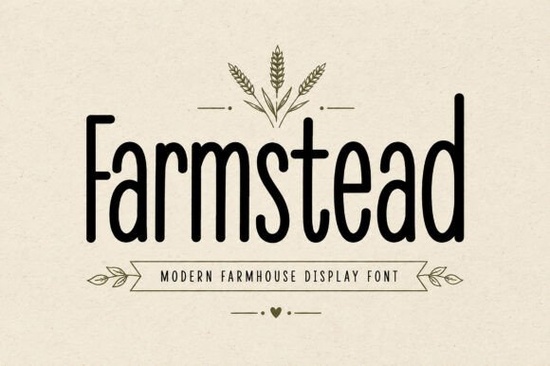
Finding the right typography for rustic or country-themed projects can be tricky. You want something that feels handmade and authentic without sacrificing readability. The Farmstead Font solves this by offering tall, clean letterforms with a friendly, handcrafted feel. It is a modern display typeface designed specifically for organic markets, cozy home decor, and artisan branding. Whether you are a small business owner designing product labels or a hobbyist making wedding invitations, this lettering brings warmth to your visual layout. You can easily grab Farmstead to bridge the gap between traditional country aesthetics and contemporary design trends, giving your work a polished yet approachable look.
What makes a good farmhouse display font?
When designing for a rustic aesthetic, the typography needs to balance vintage charm with modern clarity. This font achieves that through its upright structure and slightly imperfect edges, which mimic hand-painted wooden signage. If you are working on a coastal-themed project instead, you might look at relaxed coastal lettering to match the ocean vibe. But for country living, organic bakeries, and farmers market branding, you need a typeface that feels grounded and approachable. The clean characters ensure that your text remains easy to read, even when scaled down for small product tags or glass jar labels. A good display typeface should never force the reader to squint, and this one maintains excellent legibility across various sizes.
How can crafters and small businesses use this typeface?
Crafters and print-on-demand sellers rely on versatile SVG files to create physical products. This font is highly effective for Cricut and Silhouette cutting machines because the distinct letterforms weed easily. You can use it to cut vinyl decals for wooden signs, custom tote bags, or ceramic mugs. The thick strokes provide enough surface area for the vinyl to adhere properly to textured surfaces like wood or canvas.
For small businesses, it works beautifully on:
- Honey and jam jar labels
- Bakery packaging and boxes
- Rustic cafe menus
- Handmade soap wrappers
If your brand leans more toward a grungy or distressed look, you could pair it with textured vintage styles for your subheadings. Alternatively, if you are designing for a children's craft business, playful hand-drawn letters might be a better fit for your secondary text. Mixing weights and styles helps establish a clear visual hierarchy in your branding.
Does it work for both print and digital projects?
Yes, the download includes full uppercase and lowercase alphabets, numbers, and punctuation, making it highly adaptable. The multilingual support is particularly useful if you sell products internationally or run a bilingual social media page. When creating digital assets like Instagram graphics or Pinterest pins, the tall proportions of the letters help them stand out on mobile screens. You can also browse the Farmstead Font preview images online to see how it scales across different mediums.
While it excels in rustic settings, it is always good to keep a diverse typography library. For instance, if you need to design a collegiate apparel line, you would reach for bold athletic block letters. Or, if you are putting together a summer beverage menu, bright citrus-inspired typography would suit the theme much better. Having the right tool for the specific visual context is what makes a design successful and keeps your portfolio varied.
What should you check before cutting vinyl with a new font?
Before sending your design to a cutting machine, run through a quick preparation checklist to avoid material waste and frustration. Working with display fonts requires a bit of technical prep to ensure the physical output matches your digital mockup.
- Convert text to outlines: Always change your text to paths or curves in your design software so the machine reads the exact shapes without missing any characters.
- Check for overlapping lines: Use the weld or unite tool to merge overlapping letters, which prevents the blade from cutting through the middle of your word.
- Adjust letter spacing: Display fonts often need manual kerning. Ensure the gaps between letters are wide enough for your weeding tool to fit comfortably.
- Do a test cut: Cut a single word on a scrap piece of vinyl to check your blade depth and pressure settings before cutting the final project.
Taking a few extra minutes to prepare your file will result in cleaner cuts and a much more professional finished product.
Learn More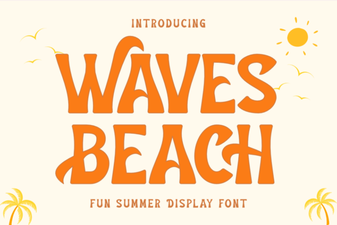 Waves Beach Font: Creative Designs & Typography Ideas
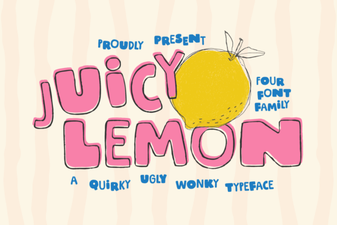 Juicy Lemon Font: Fresh Ideas for Bold Designs
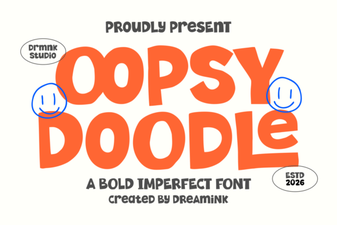 Design Your Oopsy Doodle Font Projects
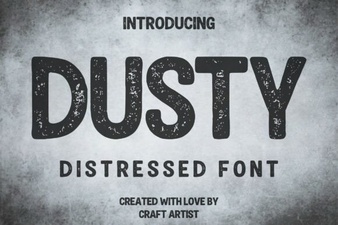 Dusty Font for Vintage Design Projects
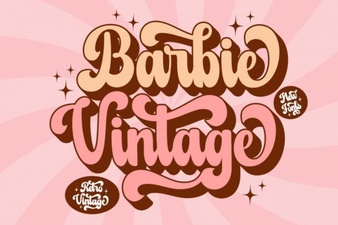 Vintage Barbie Fonts for Modern Designs
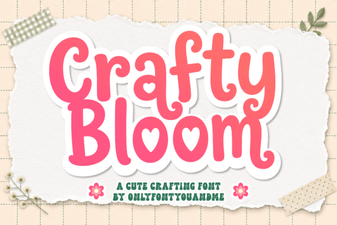 Crafty Bloom Font: Elegant Typography for Creative Projects