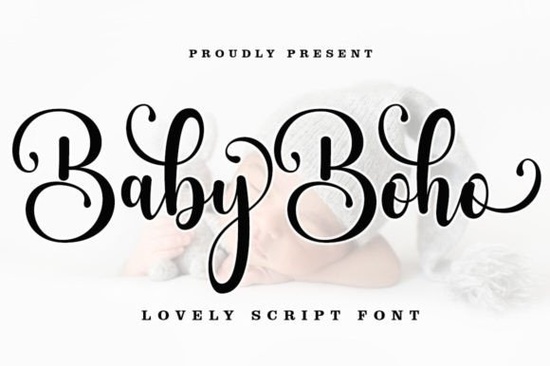
Finding the right typography for a nursery brand or a relaxed wedding theme can take hours of scrolling. If you need something that feels handwritten but remains highly legible, the Baby Boho Font offers a modern calligraphy style that fits perfectly into these niches. It brings a casual, beautiful aesthetic with plenty of swashes, making it a reliable choice for crafters and print-on-demand sellers who want their designs to look custom and personal.
What makes this calligraphy style stand out for small businesses?
Small business owners and independent designers often need typography that feels approachable. A stiff, formal script can sometimes feel too traditional for a modern baby clothing line or a boutique coffee brand. This typeface provides a relaxed, handwritten vibe while keeping the letters clean and easy to read.
The inclusion of alternate characters and swashes allows you to customize the flow of the text. When you are designing a logo or a product label, having those extra tail flicks and decorative loops helps the design feel bespoke rather than just typed out. If you are exploring other options for a similar vibe, you might also look at this playful swing style to see how different letterforms change the mood of a project.
How do you access the extra swashes and glyphs?
One of the most frustrating parts of using script typefaces is trying to find the alternate characters. Fortunately, this design is encoded with PUA Unicode. This means you do not need expensive or specialized design software to reach the extra glyphs.
Here is how you can access them on your standard operating system:
- Mac users: Open the Font Book application, locate the installed typeface, and view all the hidden characters. You can copy and paste them directly into your design tool.
- Windows users: Open the Character Map utility, scroll to the bottom where the extra glyphs are stored, and copy them into your favorite text editor or graphic application.
This simple copy-and-paste method saves a lot of time, especially when you are working in basic programs like Canva or standard word processors.
Which projects work best with a casual script?
Because of its relaxed and modern feel, this typography is highly versatile. It works exceptionally well for projects that need a personal, human touch. Here are a few ways crafters and designers typically use it:
- Wedding and event stationery: The elegant swashes make it ideal for invitation suites, place cards, and welcome signs.
- Print-on-demand apparel: It reads beautifully on baby onesies, nursery wall art, and tote bags.
- Brand identity: Use it for boutique logos, packaging labels, and social media quote graphics.
When pairing this with other typefaces, contrast is key. You might pair it with a clean sans-serif for body text, or if you want a more eclectic look, try mixing it with this alternative outdoor script for secondary headings. For a slightly more romantic feel in your invitation suites, this elegant romantic option could serve as a beautiful secondary accent. If your project leans toward a festive or holiday theme, this seasonal brush style offers a nice complementary texture. Finally, for designs specifically targeting toddlers and early education, this playful learning typeface pairs wonderfully for a complete, cohesive brand kit.
What should you check before finalizing your typography choices?
Before you send your design to print or publish it online, run through a quick quality check to ensure your text looks professional and prints cleanly.
- Check the kerning: Script fonts often have overlapping letters. Zoom in to make sure no two letters are awkwardly colliding or leaving strange gaps.
- Test the readability: Step back from your screen or print a rough draft. If the swashes make the words hard to read at a glance, scale them back.
- Verify the licensing: Always double-check your commercial use rights, especially if you are selling physical products featuring the text.
- Outline your text: If you are sending the file to a professional printer, convert your text to outlines or paths so the font does not shift on their machines.
Taking these small steps ensures your final product looks exactly as you intended, whether it is a digital graphic or a printed piece of packaging.
Try It Free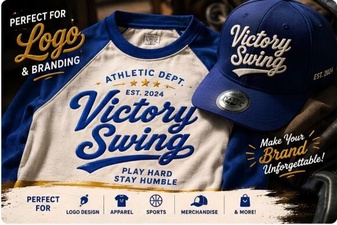 Victory Swing: Retro Design Font Inspiration & Uses
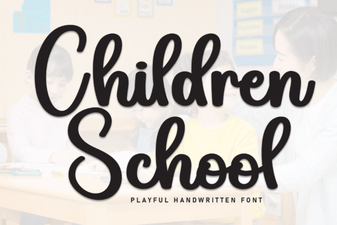 Crafting Friendly Fonts for Young Readers
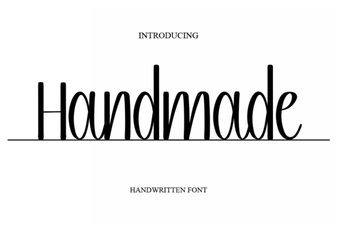 Craft Your Vision with Handmade Fonts
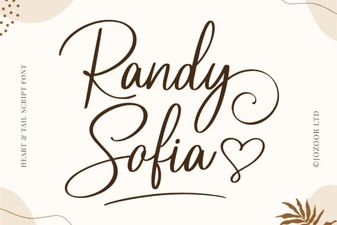 Randy Sofia Font: Creative Uses & Tips
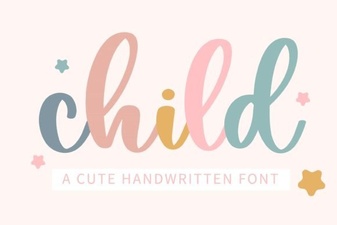 Choosing Child-Friendly Fonts for Creative Projects
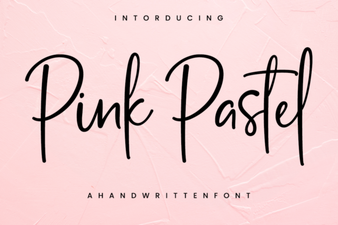 Pastel Font Designs for Elegant & Modern Projects